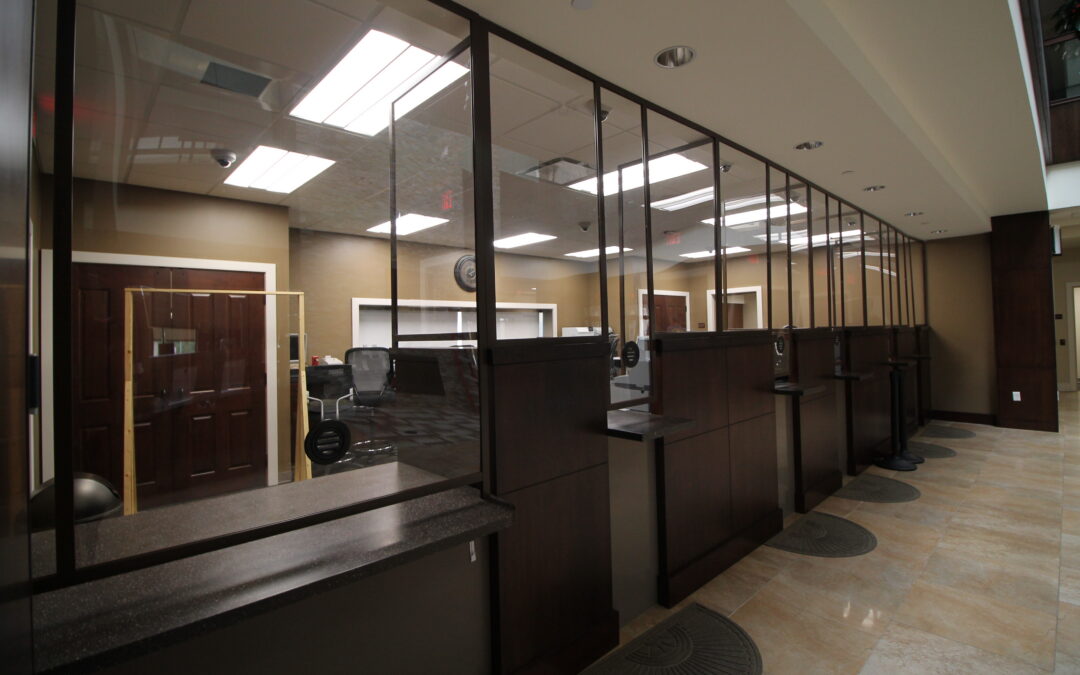
Personal Protection guidelines are starting to unfold for schools, universities, medical facilities, and businesses. We are deep in that mix and know it very well. Currently, we have about twenty schools under our belt, eight banks, and several hospitals.
In January 2020, Classic Exhibits will introduce Symphony, a portable system with over 30 mix and match configurations, seamless graphics, and dramatic shapes.
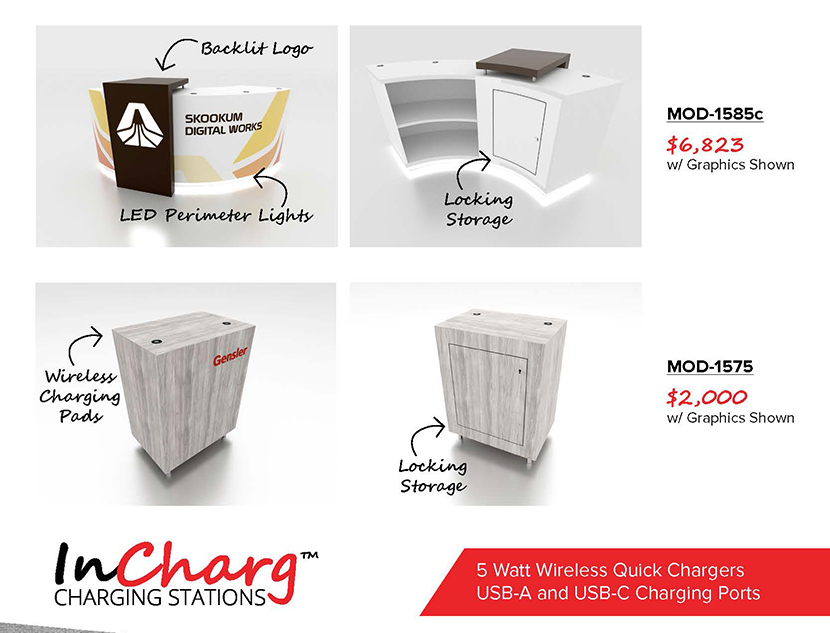
At Classic Exhibits, we never stopped introducing new charging station designs, like the over 40 tables, counters, kiosks, and towers in our Charging Gallery in EDS.
Tim Patterson, a.k.a. The Tradeshow Guy and TradeshowGuy Exhibits, created this terrific video. In the video, he shows “Three Cool Things” on his branded version of Exhibit Design Search, like how to create a display gallery.
Recently, I conducted two Exhibit Design Search webinars via Go To Webinar. Below is one of those recorded sessions for anyone unable to attend the live event, or simply for any Classic Distributor who wants a better understand of how to navigate EDS quickly and...
There’s the Classic version of Exhibit Design Search at www.classicexhibits.com in addition to two unbranded versions: www.exhibit-design-search.com (w/ prices) and www.exhibitdesignsearch.com (w/o prices).